
 Español
 Català
 English
Your team, with their availability and their permissions
Instructors and guides with their own calendars, flexible or strict assignment per activity, and every change logged in the history.
Every instructor with their record and availability
Register your team with their record and a weekly availability calendar. And if they want, each one subscribes to their own schedule from their phone via a shared link.
- ✓
Record per member with photo and details.
- ✓
Weekly availability calendar.
- ✓
Shared calendar with a personal link and filters.
Flexible or strict mode — you decide
Each activity defines its staff in flexible mode (anyone available) or strict mode (only those assigned). The calendar respects everyone’s availability and prevents overlaps.
- ✓
Staff per activity, flexible or strict.
- ✓
Per-session assignment from the calendar.
- ✓
No overlaps: availability rules.
- Marco V.Monitor de kite · disponibleAsignable ✓
- Juanjo H.Monitor de surf · disponibleAsignable ✓
- Lidia C.Monitora de kite · no disponible hoyNo disponible
Everyone sees what they should
Create users for your team with permissions per area: who sees the calendar, who touches prices, who invoices. Each person’s backoffice shows only their part.
- ✓
Users with configurable permissions.
- ✓
Access per area: calendar, bookings, invoicing…
- ✓
Onboard and offboard in one click.
Every change, with its author and before/after
The change history logs who edited what and when: old values in red, new ones in green. On customer, product and agency records — nothing gets lost along the way.
- ✓
History per record, with author and date.
- ✓
Before and after of every edit, in sight.
- ✓
Automatic system changes included.
A coordinated team sells more
Team availability feeds the calendar of your whole operation, and email and WhatsApp alerts keep instructors and customers on the same page.
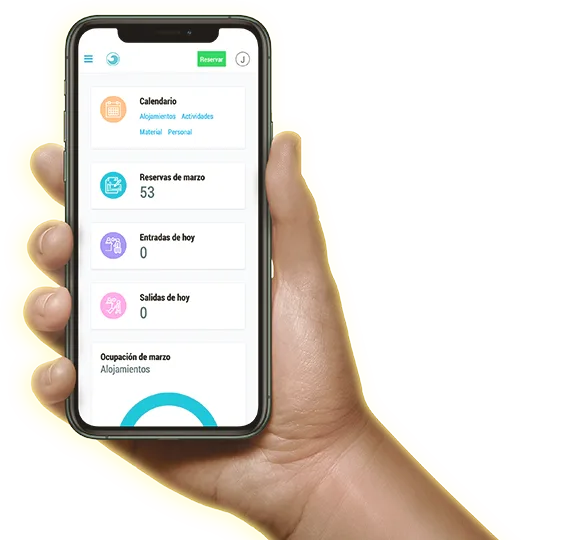
Yes: every member has a weekly availability calendar and can subscribe to their schedule from their phone via a shared calendar link.
In flexible mode any available member can cover the activity; in strict mode only those assigned to it. You choose per activity.
Yes, every user has configurable permissions per area: calendar, bookings, invoicing, settings…
Yes, the history logs every edit with its author, date and the before/after of each field — automatic system changes included.